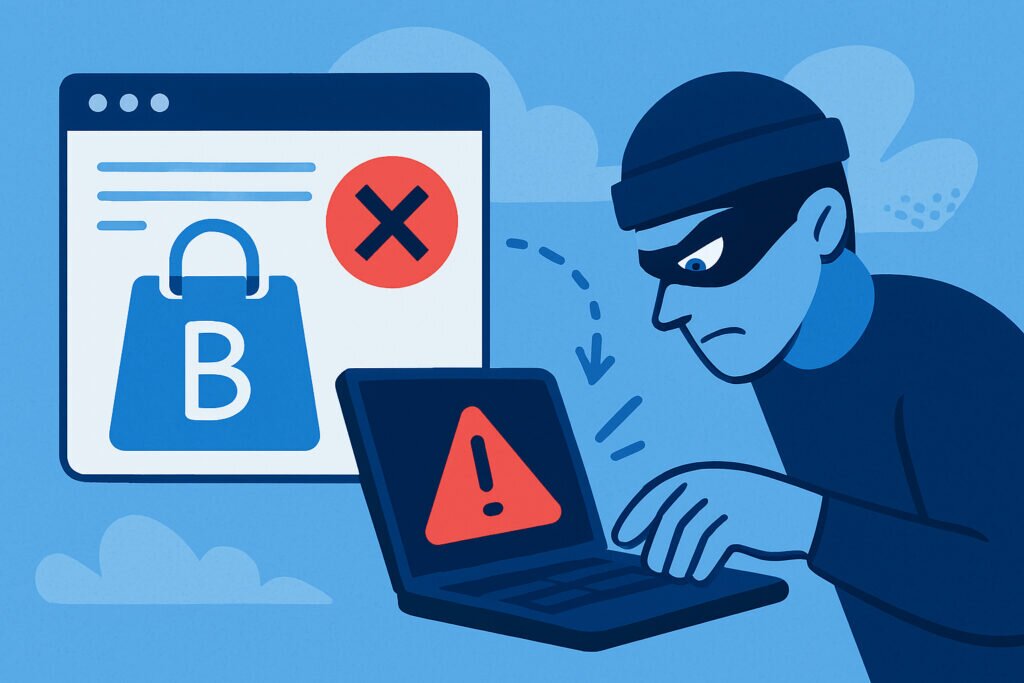
If you run a business with any online presence, typosquatting is one of those threats that’s easy to ignore until it costs you real money. One misspelled domain — maybe a missing letter or a swapped character — and your customers end up on a fake site that looks exactly like yours. The damage to your brand reputation, customer trust, and revenue can be severe, and most businesses don’t even know it’s happening until complaints start rolling in.
Typosquatting means someone deliberately registers domain names that are close misspellings of your legitimate brand. They’re betting on human error — fast typing, autocorrect failures, momentary distraction. The goal ranges from running ads on your traffic to outright stealing your customers’ data. Understanding how typosquatting threatens your brand is the first step toward stopping it.
The Real Cost of Typosquatting for Your Business
Here’s a myth that needs busting right away: “Typosquatting only targets big brands.” That’s completely wrong. Smaller businesses are actually easier targets because they rarely monitor for it and have fewer resources to fight back. A local e-commerce store with 5,000 monthly visitors is just as vulnerable as a Fortune 500 company — arguably more so, because losing even a fraction of that traffic to a fake site hits harder.
The damage typically unfolds in layers. First, there’s the direct traffic loss. If even 2–3% of your visitors mistype your domain and land on a squatter’s page, that’s revenue walking out the door every single day. Over a year, the numbers add up fast.
Then there’s the trust problem. Picture this: a customer tries to reach your site, ends up on a convincing clone, enters their credit card information, and gets scammed. They don’t blame the typosquatter — they blame you. One bad experience like that generates negative reviews, social media complaints, and word-of-mouth damage that takes months to undo. That’s a direct hit to your online reputation that no amount of marketing spend can quickly fix.
Finally, there’s the technical fallout. Typosquatted domains sending phishing emails that look like they come from your company can get your legitimate domain flagged. Your emails start landing in spam folders. Your technical domain security takes a hit you didn’t cause but have to clean up.
How Typosquatters Actually Operate
Knowing the playbook helps you defend against it. These are the most common tactics, ordered by how frequently they show up in the wild.
Missing or extra letters. Registering “amazn.com” or “gooogle.com.” This is the bread and butter of typosquatting because it exploits the most common typing errors. Fast typists on mobile devices are especially vulnerable.
Character substitution. Swapping “rn” for “m” (so “brand.com” becomes “brnad.com”) or using zero instead of the letter O. At normal reading speed, many people can’t tell the difference.
TLD hijacking. Keeping your exact domain name but registering it under .net, .co, .org, .shop, or one of the hundreds of newer extensions. A surprising number of customers don’t remember whether your site ends in .com or .co.
Homograph attacks. Using international characters that look identical to Latin letters — a Cyrillic “а” instead of a Latin “a,” for example. Your browser address bar might not show any visible difference. These are particularly nasty because they’re nearly impossible to catch visually.
Hyphen and plural tricks. Adding hyphens (“my-brand.com” vs “mybrand.com”) or plurals (“brands.com” vs “brand.com”). Simple, but effective against casual visitors.
How to Detect Typosquatting Before It Damages Your Brand
Detection is where most businesses fall short. They react after customer complaints instead of catching threats early. Here’s a practical approach that actually works.
Step 1: Build your typo list. Sit down and brainstorm every plausible misspelling of your domain. Think missing letters, doubled letters, adjacent-key errors (hitting “s” instead of “a”), and common phonetic confusions. For a domain like “repvigil.com,” that means checking “repvigl.com,” “repvigill.com,” “repvigel.com,” “revpigil.com,” and dozens more. Write them all down.
Step 2: Run WHOIS lookups. Check each variation to see if it’s already registered. If it is, investigate who owns it and what content appears on the site. Document everything — screenshots, registration dates, WHOIS data.
Step 3: Monitor continuously. This isn’t a one-time exercise. New typosquatted domains get registered every day. Automated brand reputation monitoring that scans for similar domains and alerts you when new ones appear is the only realistic way to stay ahead. Manual checks once a quarter aren’t enough when attackers can spin up a convincing fake site in hours.
Step 4: Watch your analytics. Unexplained traffic drops, unusual referral patterns, or spikes in customer complaints about “your” site behaving oddly can all signal active typosquatting. These are early crisis warning signs that deserve immediate investigation.
Stopping Typosquatting: Defensive Strategies That Work
Defensive domain registration is the most cost-effective protection available. Register the 10–20 most obvious typo variations of your domain and the major TLD alternatives (.net, .org, .co at minimum). Yes, it costs maybe $100–200 per year total. Compare that to the cost of a single customer fraud incident and it’s a no-brainer. Redirect every defensive domain to your real site — now those typing errors become bonus traffic.
Set up brand monitoring alerts. Configure Google Alerts for your brand name paired with words like “scam,” “fake,” or “warning.” Monitor review platforms and social media for customer reports of suspicious lookalike sites. Automated reputation monitoring catches what manual searching misses.
Strengthen your domain’s technical defenses. Proper SPF, DKIM, and DMARC records make it harder for typosquatters to send convincing phishing emails that appear to come from your domain. If a squatter’s fake site distributes malware or runs phishing campaigns targeting your domain, having your own security properly configured limits the collateral damage.
Report and take action. When you find an active typosquatter, start with a cease-and-desist letter. Many squatters abandon domains when confronted. For persistent cases, file a UDRP (Uniform Domain-Name Dispute-Resolution Policy) complaint — it’s specifically designed for trademark holders dealing with bad-faith registrations and costs far less than a lawsuit. Report malicious sites to Google Safe Browsing and the hosting provider to get browser warnings in place quickly.
FAQ
How many typo domains should I register to protect my brand?
Focus on the top 10–20 most likely misspellings first. Prioritize missing-letter variations, adjacent-key errors, and major TLD alternatives like .net and .org. You can expand from there based on your budget, but covering the obvious ones blocks the majority of attacks.
What’s the difference between typosquatting and cybersquatting?
Cybersquatting means registering a brand’s exact domain name (usually under a different TLD) to resell it or profit from the brand’s recognition. Typosquatting specifically targets misspelled versions of the domain. Both are harmful, but typosquatting is harder to detect because the domains aren’t exact matches — they exploit human error rather than trademark claims alone.
Can typosquatting affect my email deliverability?
Absolutely. If typosquatters send phishing or spam from domains that look like yours, email providers may start treating messages from your legitimate domain with more suspicion. This is one reason why email authentication records and ongoing reputation monitoring matter — they help you catch and respond to these threats before your deliverability suffers.
Typosquatting won’t stop being a threat anytime soon — if anything, it’s getting more sophisticated as new TLDs proliferate and internationalized domain names become more common. The businesses that come through it unscathed are the ones treating brand protection as an ongoing practice, not a one-time project. Register your defensive domains, set up continuous monitoring, and act fast when something suspicious appears. That combination handles the vast majority of typosquatting risk before it ever reaches your customers.