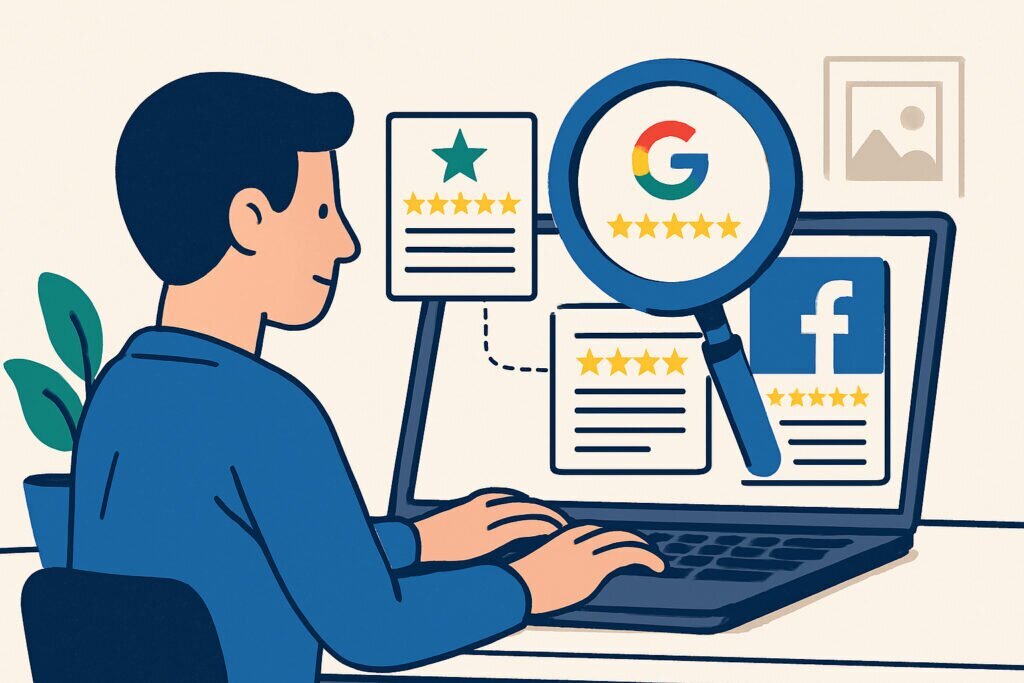
If you run a business with any kind of online presence, you already know that reviews can make or break you. A single unanswered negative review on Google can sit there for months, quietly turning away potential customers while you have no idea it even exists. I’ve seen it happen to businesses that were otherwise doing everything right.
The good news is that keeping tabs on your reviews across TrustPilot, Google, and Facebook doesn’t have to eat up your entire morning. With the right routine and a few smart tools, you can stay on top of everything in about 15 to 20 minutes a day. Here’s how to actually do it.
Why Daily Monitoring Matters More Than You Think
A lot of business owners check their reviews once a week, maybe less. That feels reasonable until you realize how fast things can spiral. Someone posts a one-star review on a Friday evening, and by Monday morning it’s been seen by hundreds of people. Worse, other unhappy customers sometimes pile on when they see an unanswered complaint.
There’s also the speed factor in how platforms rank you. Google in particular seems to favor businesses that respond to reviews quickly. A prompt, thoughtful reply to a negative review shows both the reviewer and everyone reading that you actually care. It can even turn a bad situation into a positive impression.
I learned this the hard way a few years back when a client’s Google listing picked up three negative reviews over a weekend. Nobody noticed until the following Wednesday. By then, the business had already dropped in local search results and a competitor had moved up. That experience changed how I think about review monitoring entirely.
Setting Up Your Manual Daily Routine
Let’s start with the basics. If you’re doing this manually, the trick is to build a quick daily habit rather than trying to do deep analysis every time.
For Google Business Profile, log into your dashboard first thing in the morning. Check the reviews tab, look at any new ratings, and respond to everything that came in since yesterday. Keep a browser bookmark specifically for this. Google also lets you turn on email notifications for new reviews, so enable that if you haven’t already.
For TrustPilot, log into your business account and check the activity feed. TrustPilot sends notification emails by default, but don’t rely solely on those because they sometimes get caught in spam filters or buried in a busy inbox. Make it a point to actually log in and look. Pay special attention to any reviews flagged as potentially fake, since TrustPilot has its own detection system but it’s not perfect.
For Facebook, go to your page’s reviews or recommendations section. Facebook changed how reviews work a while back, moving to a recommendation system, but people still leave detailed comments there. Check your page notifications too, since sometimes review-like feedback shows up as comments on posts rather than formal reviews.
The whole circuit should take you about ten minutes once you get used to it. I’d suggest doing it at the same time every day so it becomes automatic, like checking email.
Using Tools to Speed Things Up
Manual checking works, but it gets tedious fast, especially if you manage multiple locations or brands. This is where aggregation tools come in.
Some businesses use paid platforms like Birdeye or Podium that pull reviews from multiple sources into one dashboard. These work well but can be expensive, particularly for smaller businesses.
A free alternative worth considering is RepVigil, which monitors review platforms including TrustPilot, Google, and Facebook as part of a broader reputation monitoring service. It runs checks automatically and sends email alerts when something needs your attention, which means you don’t have to remember to log into three different platforms every morning. It also watches for things like fake reviews and negative media mentions, which are easy to miss if you’re only checking the review platforms directly.
Whatever tool you choose, the key feature to look for is real-time or near-real-time alerting. A daily summary email is fine, but an immediate alert for a one-star review lets you respond within the hour, which makes a real difference.
How to Actually Respond When You Find Something
Monitoring is only half the job. What you do with the information matters just as much.
For positive reviews, always say thank you. Keep it genuine and short. Mention something specific from their review if you can, like thanking them for highlighting a particular product or team member. This shows you actually read what they wrote.
For negative reviews, take a breath before you type anything. Acknowledge the problem, apologize if appropriate, and offer to take the conversation offline. Something like providing a direct email or phone number works well. Never argue publicly. Even if the reviewer is being unfair, your response is really for the hundreds of other people who’ll read it later.
For fake or suspicious reviews, most platforms have a reporting mechanism. Use it, but don’t count on it working quickly. TrustPilot is generally better at handling reports than Google, in my experience. Document everything in case you need to escalate.
Common Mistakes to Avoid
One myth I hear often is that you should only respond to negative reviews. That’s wrong. Ignoring positive reviewers is a missed opportunity to build loyalty. People who leave good reviews are your advocates, so treat them that way.
Another mistake is using copy-paste template responses for everything. Customers can spot a generic reply instantly, and it actually makes things worse because it signals that you don’t care enough to write a personal response. Templates are fine as starting points, but always customize them.
Finally, don’t obsess over your star rating to the point where you’re asking friends and family to leave fake positive reviews. Platforms are getting better at detecting this, and if you get caught, the penalties are severe. Earn your reviews honestly.
Frequently Asked Questions
How quickly should I respond to a negative review? Within 24 hours is the general standard, but within a few hours is much better. The faster you respond, the less damage it does.
Can I get a fake review removed? You can report it on all major platforms, but removal isn’t guaranteed. Google is particularly slow with this. Having monitoring in place helps you catch fakes early and report them promptly.
Do I really need to check every single day? For most businesses, yes. If you’re getting fewer than one review per week, you could probably check every other day. But daily is the safest habit because you never know when something urgent will show up.
What if I manage multiple locations? Manual monitoring becomes impractical fast with multiple locations. This is exactly where automated tools pay for themselves. A service like RepVigil can watch all your listings simultaneously and alert you only when action is needed.
Build the Habit and Stick With It
The businesses that handle their online reputation well aren’t necessarily the ones with the biggest budgets or the fanciest tools. They’re the ones that show up consistently, day after day, and treat every review as an opportunity to demonstrate who they are. Whether you do it manually with a morning coffee routine or automate the heavy lifting with monitoring tools, the important thing is that you do it. Your future customers are reading those reviews right now. Make sure you’re part of the conversation.