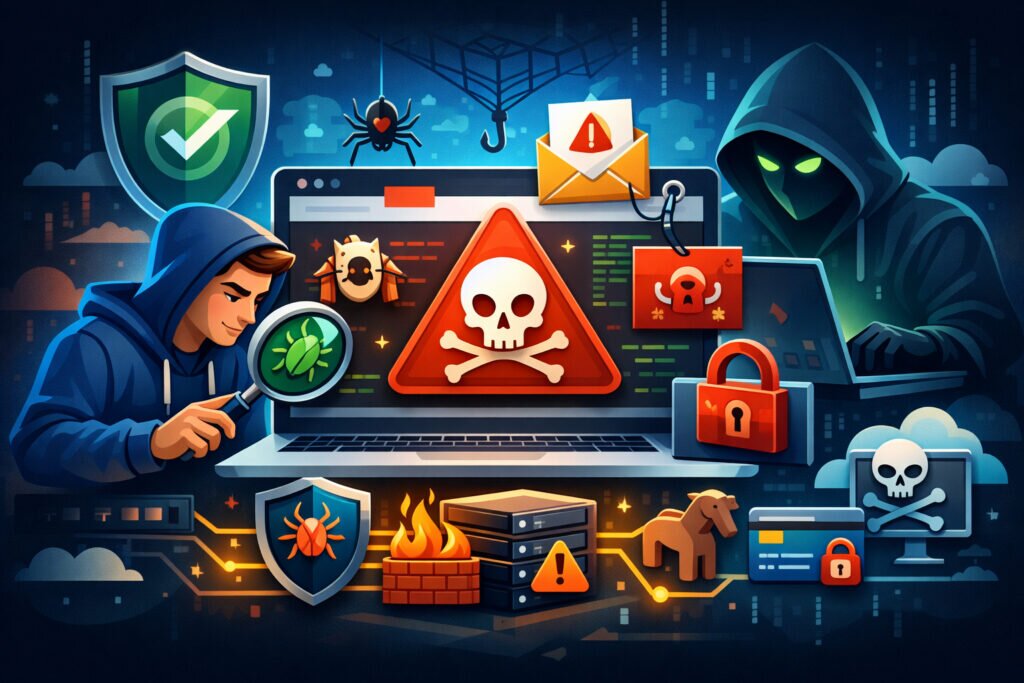
You run a business website that generates leads, processes orders, or simply represents your brand online — and one morning you discover Google is warning visitors that your site “may harm their computer.” That’s not a hypothetical nightmare. Malware detection for business websites is one of the most overlooked areas of digital reputation management, and by the time you notice a problem, the damage to your traffic, revenue, and brand trust is already underway. This guide walks you through how malware infections happen, how to detect them early, and what practical steps keep your site clean.
How Business Websites Get Infected in the First Place
Most business owners assume malware is something that happens to shady websites or massive corporations. That’s the first myth worth busting: small and mid-sized business websites are actually prime targets precisely because they tend to have weaker defenses. Attackers aren’t manually choosing you — they use automated scanners that probe thousands of sites per hour looking for known vulnerabilities.
The most common entry points are outdated CMS plugins, weak admin passwords, compromised third-party scripts, and insecure file upload forms. If you’re running WordPress — which powers roughly 40% of all websites — a single neglected plugin can open the door. Attackers inject malicious code that redirects visitors, steals form data, serves phishing pages, or quietly mines cryptocurrency using your server resources.
What makes this particularly dangerous is that many infections are invisible to the site owner. The malicious code often targets only certain visitors (mobile users, visitors from specific countries, or first-time visitors), so you might browse your own site daily and never see a problem.
The Real Business Cost of a Malware Infection
Let’s put some numbers to this. When Google flags your site through Safe Browsing, your organic traffic can drop by 90% or more overnight. Browsers display a full-screen red warning page, and almost nobody clicks through. If you rely on paid ads, Google Ads will suspend your account until the issue is resolved. Recovery typically takes 3–14 days even after cleanup, because Google Safe Browsing reviews are not instant.
Beyond traffic, there’s the trust factor. Customers who see a malware warning associated with your brand will think twice before returning. B2B clients may reconsider partnerships. And if customer data was compromised, you’re potentially looking at GDPR or other regulatory consequences.
A brand manager at a mid-sized e-commerce company once described the experience as “watching revenue flatline while waiting for a review queue you can’t control.” That captures it well. The frustration isn’t just the infection — it’s the helplessness during recovery.
Malware Detection: What to Actually Monitor
Effective malware detection for business websites isn’t a single tool or a one-time scan. It’s a layered approach that covers multiple angles:
File integrity monitoring. Track changes to your website’s core files. If a file you didn’t touch suddenly changes, that’s a red flag. Most CMS platforms have plugins or server-level tools (like AIDE or OSSEC on Linux) that alert you to unexpected modifications.
Blacklist monitoring. Your domain and server IP can end up on dozens of blacklists beyond just Google Safe Browsing. DNS-based blacklists, anti-phishing databases, and spam filters all maintain their own lists. Being flagged on any of them affects your email deliverability and visitor trust.
External scanning. Scan your site from the outside — the way a visitor or search engine sees it. This catches injected redirects, hidden iframes, and drive-by download scripts that server-side scans might miss.
SEO spam detection. One of the sneakiest infection types is SEO spam injection, where attackers insert hidden links or pages on your site to boost their own rankings. You won’t see it in your navigation, but search engines index it, and your site’s credibility takes the hit.
A Practical Prevention Checklist
Detection matters, but prevention saves you the crisis entirely. Here’s what actually works in practice:
Keep everything updated. CMS core, plugins, themes — all of it. Set a weekly reminder if automatic updates make you nervous, but don’t let things drift for months.
Use strong, unique credentials. Every admin account should have a unique password managed through a password manager. Disable default usernames like “admin.” Enable two-factor authentication wherever possible.
Limit attack surface. Remove plugins and themes you’re not actively using. Every installed component is a potential entry point, even if it’s deactivated.
Harden your server configuration. Restrict file permissions, disable directory listing, and block direct execution of PHP in upload directories. If you’re managing your own Debian server, tools like Fail2Ban and ModSecurity add meaningful layers.
Implement proper technical domain security. This goes beyond malware — covering DNS configuration, email authentication records, and access controls that collectively reduce your exposure.
Run automated monitoring. Manual checks don’t scale and they don’t catch problems at 2 AM on a Saturday. Automated hourly monitoring that covers blacklists, Safe Browsing status, and phishing indicators gives you the early warning you need. RepVigil runs 40 different tests across technical security, brand reputation, and online presence — including malware-related checks — and sends immediate alerts when something goes wrong.
What to Do When You Find Malware
If detection tools flag an issue, resist the urge to panic-delete files. Follow a methodical approach:
First, identify the infection vector. Check your server access logs for suspicious file modifications and login attempts. Determine when the infection started so you know which backup to trust.
Second, take the site offline temporarily if customer data could be at risk. A maintenance page is far less damaging than serving malware to visitors.
Third, clean the infection thoroughly. Remove malicious code, update all software, change every password, and revoke any suspicious admin accounts. If you restore from backup, make sure the backup predates the infection.
Fourth, request reviews from any blacklists or warning services that flagged your site. Google Search Console has a specific process for this. Monitor closely for re-infection over the following weeks — attackers often leave backdoors.
FAQ
How often should I scan my business website for malware?
Daily scanning is the minimum for any business website. Hourly automated monitoring is better, because infections can cause damage within hours — especially if Google flags your site or attackers start serving phishing pages from your domain. The faster you detect, the less damage you absorb.
Can a small business website really be a malware target?
Absolutely. Automated attack tools don’t discriminate by business size. They scan for vulnerable software versions across millions of sites. A five-page brochure site running an outdated plugin is just as exploitable as a large e-commerce platform — and often easier to compromise because nobody is watching.
Will removing malware immediately restore my search rankings?
Not immediately. After cleanup, you need to request a review through Google Search Console. The review process can take anywhere from a few days to two weeks. Even after the warning is lifted, it may take additional time for your rankings and traffic to recover fully, as trust signals rebuild gradually.
Keep Your Site Clean, Keep Your Reputation Intact
Malware detection for business websites isn’t a one-time project — it’s an ongoing discipline, much like locking your doors every night. The businesses that handle it best are the ones that invest in automated monitoring, maintain their software stack, and have a response plan ready before they need it. Your website is often the first impression customers have of your brand. Making sure it’s safe is making sure that impression is the right one.