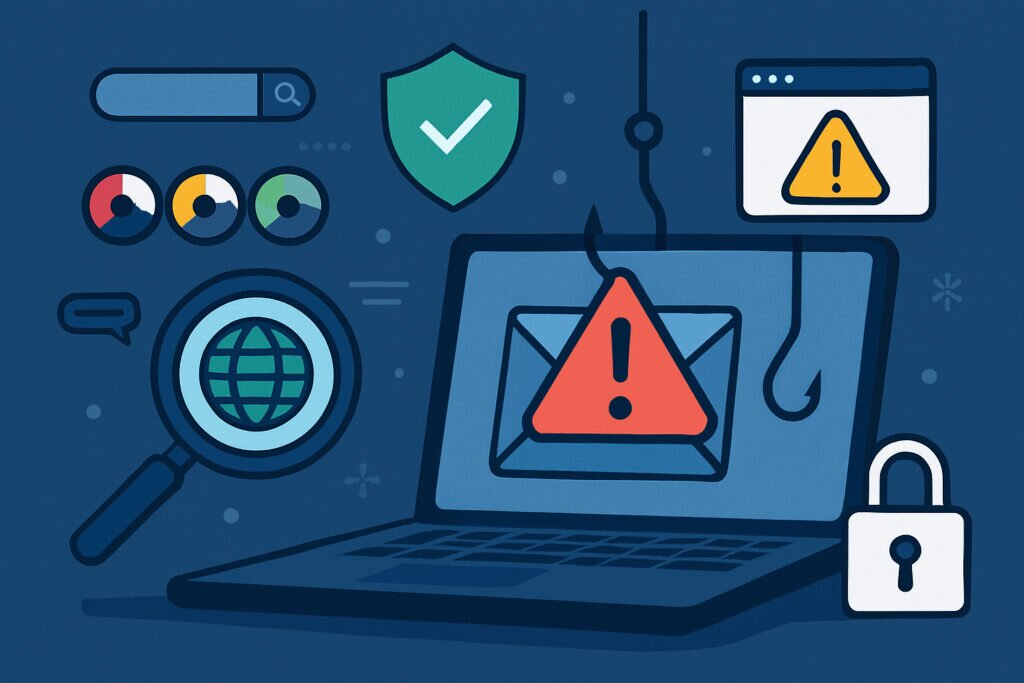
If you own a domain or run a business online, there’s a good chance someone is already trying to impersonate you. Phishing attacks targeting your domain aren’t just about hackers stealing passwords anymore—they’re sophisticated campaigns designed to trick your customers, damage your reputation, and ultimately cost you money. Understanding how phishing detection works and what you can do to protect your domain is no longer optional. It’s essential.
Why Your Domain Is a Target
Think about it from a scammer’s perspective. Your domain already has trust, recognition, and possibly even a customer base. Why would they go through the effort of building credibility from scratch when they can simply pretend to be you? I’ve seen this firsthand with a client who ran a small e-commerce site. They started getting complaints about suspicious emails asking customers to “verify their accounts” through a link. The problem? They never sent those emails. Someone had registered a domain that looked almost identical to theirs—just one letter different—and was using it to harvest customer credentials.
This is called domain spoofing, and it’s just one type of phishing threat your domain faces. Others include email spoofing (where attackers forge your domain in the “From” field), lookalike domains, and even phishing sites that clone your website’s design to trick visitors into entering sensitive information.
What Phishing Detection Actually Means
Phishing detection for your domain involves two main things: identifying when someone is using your domain (or a version of it) maliciously, and protecting your legitimate communications so they don’t get flagged as phishing by email providers or security tools.
The first part is about monitoring. You need to know when someone registers a domain similar to yours, when your brand name appears in suspicious contexts, or when phishing emails are being sent using your domain’s name. The second part is about email authentication—making sure the emails you send are verified as legitimate.
Both are critical. If you ignore monitoring, you won’t know about attacks until customers start complaining or your reputation takes a hit. If you ignore authentication, your own emails might end up in spam folders, and attackers will have an easier time spoofing you.
Step One: Set Up Email Authentication
This is where most domain owners should start. Email authentication protocols like SPF, DKIM, and DMARC are your first line of defense against phishing.
SPF (Sender Policy Framework) lets you specify which mail servers are allowed to send emails on behalf of your domain. Think of it as a whitelist. When someone receives an email claiming to be from your domain, their email server checks your SPF record to see if it came from an authorized source.
DKIM (DomainKeys Identified Mail) adds a digital signature to your outgoing emails. This signature proves the email actually came from your domain and hasn’t been tampered with in transit.
DMARC (Domain-based Message Authentication, Reporting and Conformance) ties SPF and DKIM together and tells receiving servers what to do if an email fails these checks. You can set it to quarantine suspicious emails or reject them outright. DMARC also gives you reports showing who’s trying to send emails using your domain.
Setting these up isn’t particularly difficult, but it does require access to your DNS records. Most domain registrars and hosting providers have guides for this. The key is to not just set them up and forget about them. Review your DMARC reports regularly to catch unauthorized sending attempts.
Step Two: Monitor for Lookalike Domains
Attackers often register domains that are visually similar to yours. They might replace a letter with a number (like replacing “o” with “0”), use a different TLD (like .net instead of .com), or add a common word (like “secure-” or “-login” as a prefix or suffix).
You can’t prevent someone from registering these domains, but you can monitor for them. There are services that scan newly registered domains and alert you when something suspicious appears. Some tools even check for phishing sites that are actively impersonating your brand.
I remember checking one of these monitoring tools for a project I was working on and finding three domains registered within the same week that were obvious attempts at impersonation. None of them were actively being used yet, but catching them early meant we could take action before they became a problem.
Step Three: Check Blacklists and Reputation Services
Your domain’s reputation affects whether your emails get delivered and whether security tools flag your site as dangerous. If phishing campaigns are using your domain name—even without your permission—you might end up on email blacklists or security blocklists.
Regularly check services like Google Safe Browsing, anti-phishing databases, and email reputation monitors to make sure your domain isn’t being flagged. If you find yourself blacklisted, you’ll need to investigate why, clean up any issues, and request removal. This process can take time, which is why prevention and early detection are so important.
Common Mistakes to Avoid
One myth I hear often is that small businesses don’t need to worry about this because “nobody knows who we are.” That’s backward thinking. Attackers often target smaller domains precisely because they know security is likely to be weaker. Your customers trust you, and that trust is valuable to scammers.
Another mistake is assuming that setting up SPF, DKIM, and DMARC once is enough. Email infrastructure changes—you might add a new email marketing service, change hosting providers, or start using a CRM that sends emails on your behalf. Every time you make these changes, you need to update your authentication records.
What to Do If You Discover an Attack
If you find out someone is using your domain for phishing, act quickly. Document everything—take screenshots, save email headers, note the URLs being used. Report the phishing site to hosting providers, domain registrars, and services like Google Safe Browsing. If customers are being targeted, communicate with them directly to warn them about the scam.
For lookalike domains, you can sometimes contact the registrar to have them taken down, especially if they’re clearly being used for fraud. In some cases, you might need legal assistance, but many registrars will act on clear evidence of malicious intent.
Final Thoughts
Phishing detection isn’t a one-time task—it’s an ongoing process. The good news is that the basic protections (SPF, DKIM, DMARC) are straightforward to implement, and monitoring tools are becoming more accessible, even for smaller operations. The key is to take it seriously before you have a problem, not after your customers start receiving fake emails or your domain ends up blacklisted.
Your domain is one of your most valuable digital assets. Protecting it from phishing attacks protects not just your business, but also the people who trust you.